Add Gong calls to your Pods in one click and see Pod engagement inside Gong, so buyers and reps share one record of the deal.
The Gong integration brings your call recordings into Pods, with highlights, outline and transcript, so buyers can revisit what was said. Pod engagement goes back to your Gong deals, and a trumpet tab in Gong Engage shows Pod data where reps already work.
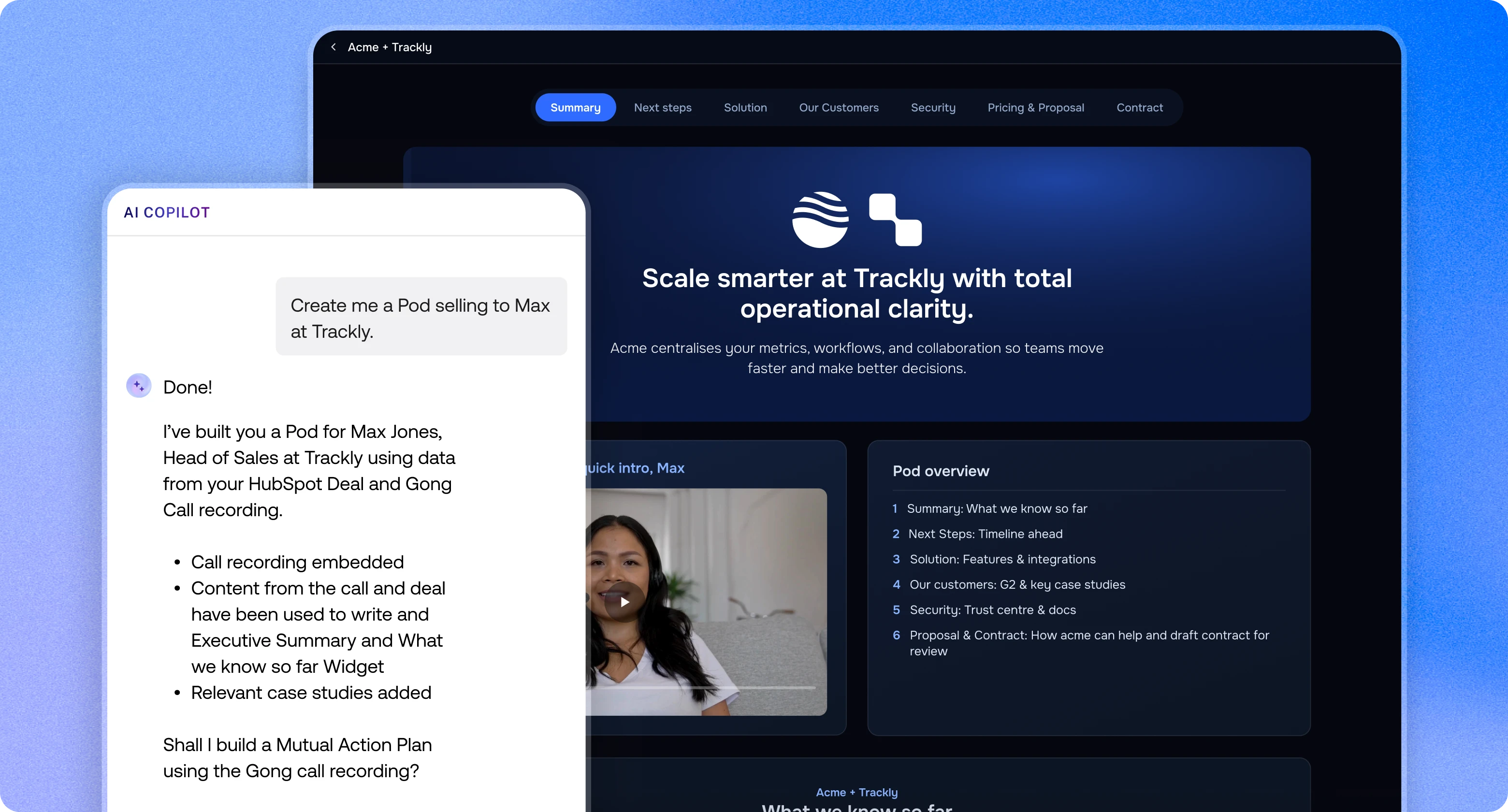
Copilot can use your Gong calls as context, so what was said on a call becomes buyer-facing Pod content. Ask for a recap and next steps after a discovery call, or combine call context with CRM data from the MCP client in a single prompt.
Search your Gong library by title or participant and add a call with the Gong widget. Highlights, call outline and transcript come in too, and you can switch any of them off.
Set up call sync and each new Gong call reaches trumpet once Gong has processed it. When a Pod is linked to the same deal, account or email domain, the call appears under Suggested in the call picker.
Calls stream straight from Gong when someone plays them. Trumpet never stores a copy of the recording or transcript.
Views, downloads, comments and completed Mutual Action Plan steps are sent to the deal in Gong, adding buyer engagement to your forecast.
See every Pod for an account with its status, views, stakeholders and engagement score, plus the org chart for each Pod.
Full guide: How does the integration with Gong work?
Add Gong calls to your Pods in one click and see Pod engagement inside Gong, so buyers and reps share one record of the deal.

Yes. Trumpet adds Gong call recordings, with highlights, outline and transcript, to Pods so buyers can revisit what was said. Pod activity goes back to your Gong deals, and a trumpet tab appears in Gong Engage.
The Gong integration is on the trumpet Scale and Elite plans. Trumpet also needs to be connected to Salesforce or HubSpot, and a Gong technical admin approves the connection.
No. Gong calls stream straight from Gong when someone plays them in a trumpet Pod. Trumpet keeps only the title, date, length, participants and CRM links needed to find each call.
Yes. A Gong automation rule sends each new call to trumpet once Gong has processed it. The call is then suggested in any trumpet Pod linked to the same deal, account or email domain.
Pod views, downloads, comments and completed Mutual Action Plan steps are logged on the Gong deal. The trumpet tab in Gong Engage shows each account's Pods with status, views, stakeholders, engagement scores and org charts.